An online store works well when the buyer understands the product, can estimate the full cost and knows what happens after the order. The beautiful catalog is just the beginning. In the back there are stocks, variants, delivery, confirmations and decisions about customer data. If these things are unclear, the design cannot compensate for the difficulty of buying.
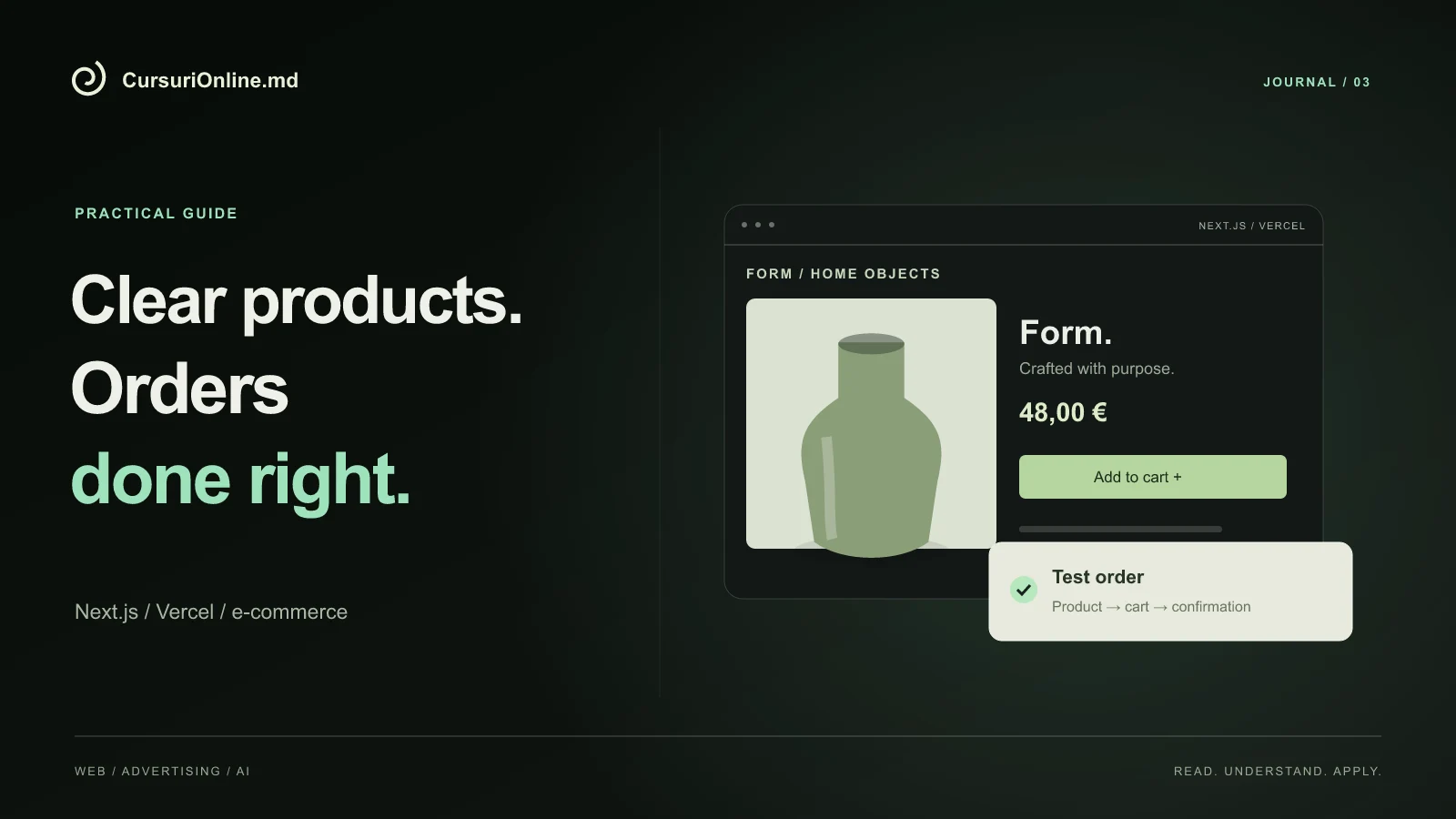
In this guide we look at building a store with Next.js and publishing it on Vercel, the technical direction of the Online Store course. The example is a hypothetical small brand of home goods. We're not starting from a huge platform: we're building a small catalog and order path that we can fully test before adding new features.
Decide what to sell and how to fulfill an order
Before the technology, it describes the business process. Are the products in stock or made to order? Are there colors, sizes and customization options? Where do you deliver and who confirms availability? For our brand, an off-the-shelf vase and a custom ceramic piece cannot have exactly the same delivery promise.
These differences must be reflected in the data and interface. An option that changes price cannot just be an observation hidden in an open field. A made-to-order product must communicate the indicative term and confirmation step. It begins with a table of products and rules, even though the first version contains only five articles.
It also determines who takes each order. A successfully sent message in an application does not mean that someone has processed it. You need a responsible person and clear statuses: new, checking, confirmed, shipped or canceled. The names may vary, but the team must understand the same thing when using them.
Model the catalog before drawing all the pages
For each product, prepare a name, description, images, price, currency, availability and identifier. Variants need their own identifiers when stock or price differ. This pattern prevents the situation where two products appear identical to the application, even though the customer has chosen a different size.
| field | Role in the store | Demonstrative example |
|---|---|---|
| Produs | The identity of the offer | Ceramic vase |
| Variant | Buyer's Choice | Green, 20 cm |
| Disponibilitate | What can be ordered | In stock / on order |
| Livrare | Waiting after purchase | Area and term explained |
Don't make every property a filter. For five products, one category and a clear difference may be sufficient. Filters become useful when they help the buyer narrow down a real selection. A complex menu over a small catalog adds steps without providing more control.
The product page should reduce uncertainty
The main photo shows the product and the secondary images explain the details: size, material, use and variations. If an image is a simulation or mockup, this must be clear. For a physical object, a photograph in a recognizable context can explain the scale better than an isolated number in a table.
The description must answer practical questions before trying to impress. What does the customer get? What is not included? How to maintain the product? Can it be customized? For the ceramic brand, color variations between pieces may be a normal feature, but the buyer should know before ordering.
Place next to the purchase action the information that influences the decision: price, selected variant and availability. Avoid surprise costs displayed only at the last step. If the delivery cannot be calculated automatically, explain when it is confirmed and do not present an incomplete total as if it were final.
Build the basket as an order explanation
The cart must show what the person chose, in what quantity and at what price. Changing a variant or removing a product should update the total in a predictable way. It also tests common situations that are easy to miss: zero quantity, unavailable product, changed price or page reload.
Browser data should not be treated as the final source for the payment amount. Upon confirmation, the application must recheck the product, availability and price from the managed source. In Next.js projects, the separation between browser and server helps keep sensitive logic in the right place; official documentation describes this delimitation.
For the first version, a simple and correct basket is more valuable than an untested coupon system. Additional features must have explicit rules: what discounts are combined, what happens with shipping, and how already discounted products are treated. Otherwise, each new offer may introduce a hard-to-observe exception.
Separate purchase intent from confirmed payment
An order can start through the form or through a conversation, without the payment being processed immediately. The interface should describe exactly this step. "Send Request" is appropriate when the team is about to confirm. "Payment completed" can only appear when there is actual confirmation of the transaction, not just after pressing a button.
If you integrate online payments, the choice of processor depends on the country and form of business organization, available contract and technical requirements. It does not assume that a service presented in an international tutorial can be activated identically for any trader in Moldova. Eligibility checking should be done before designing the entire checkout around that vendor.
In an exercise, use the test mode provided by the processor and separate scenarios for success, failure, and abort. Confirmation in the payment system must be linked to the same order and repeated notifications must not create duplicate orders. The buyer also needs a clear way to ask for help when payment or confirmation fails.
Think management from a team perspective
A store is not complete if every product change requires a developer search. Decide what the team can edit: descriptions, images, inventory, prices and statuses. Not all users need the same rights. The person who prepares the package may have other responsibilities than the person who manages the commercial offer.
It organizes the data so that an order remains comprehensible even after the catalog has been changed. If the name or price of a product changes, the history must retain the information relevant to the time of the order. This detail is important for customer discussions and internal reconciliation of operations.
Before adding automations, follow some demo commands manually. Where does a question appear? What information is entered twice? What status is missing? Automating a confusing process produces the same confusion more quickly. First you clarify the process, then you choose the tools that reduce repetitive work.
SEO for useful categories and products
A category page is meant to organize the offer, and the product page should explain the individual item. Write titles and descriptions that match the actual content. An identical name for ten products makes comparison difficult for both the buyer and the administration. Specify the important differences without filling the title with repetitive phrases.
Keep stable addresses for existing products and decide what happens when an item disappears. A temporarily unavailable product may still have useful information. A permanently removed address needs correct behavior, not a page that claims the product exists. Planning these cases prevents broken links from ads or articles.
For structured data, use only prices, availability and information that actually appear on the page. The Google for Product Data guide explains the format. Tagging helps interpret content, but doesn't guarantee enriched results and doesn't justify adding ratings without real reviews.
Measure milestones without calling every click a sale
A useful analytics trail follows the product view, add to cart, order start, and order confirmation. These stages answer different questions. If the products are viewed but rarely added to the cart, you can investigate the offer and clarity of the page. If people start checkout and drop out, you examine the friction there.
Do not directly compare all figures as if they are from the same source. Your browser, analytics tool, and command system may count differently. Create identifiers for test orders and track them separately. Don't submit personal data from forms to advertising tools just because a field is available.
An initial report can be simple: what stage was reached, what problem you noticed and what you are checking next. The Meta Ads and Google Ads classes make more sense when store targeting and measurement are already understood.
Exercise: Five products and one complete order
It prepares five demo products, one of which has two variants and one of which is unavailable. Build the catalog, product page and cart. It then checks an order with delivery, a quantity change and an error scenario. It uses fictitious data, clearly separated from the actual orders of a business.
Publish a preview version on Vercel and ask a person to demo purchase a product without further instructions. Write down what you don't understand and correct that part. Finally, document the path from product to confirmation, including who manages the order and what information the buyer receives.
This is a concrete enough learning outcome to be assessed. The Online Store course curriculum goes deeper in this direction, and one-on-one mentoring can help you adapt the steps for your own project. Before signing up, clarify the required level and the goal: a well-thought-out store starts with a process that you can explain.