Claude and Codex can help turn an idea into a digital project, but the outcome depends on how you formulate the requirement and verify what is being built. A page that looks good in a screenshot may have a broken form, and an application that starts locally may expose information or miscalculate a result. That's why AI learning must also include work evaluation.
In this guide we follow a demonstration project: a simple estimate calculator for a service. We'll go through brief, context, implementation, verification and publishing. This order is relevant to the Claude & Codex AI direction, which aims to build digital products for business with steps that the learner can understand and repeat.
Choose a small product with a clear function
"I want a complete platform for my business" is too broad a requirement for a first exercise. It can include website, accounts, payments, CRM and reporting, each with its own issues. A single service estimator is easier to describe and verify. The user enters some data and receives an explained result.
For example, the calculator can estimate an indicative value according to the surface and the type of work. The formula must be provided by the business, not invented by the assistant. If the final price requires human evaluation, the interface must say so. The product should not promise precision that the actual process cannot support.
Write what is not included in the first version: no payments, no user account and no saving of personal data. These limits do not reduce the value of the exercise. They allow you to check a complete feature before adding new responsibilities and separate logic errors from integration issues.
Understand the assistant's role and your role
A conversational assistant can help formulate the idea and explain some concepts. A code tool can, depending on the environment and permissions given, read files, modify the project, and run checks. It does not assume that all so-called AI products have the same capabilities or access to computing.
Codex is presented by OpenAI as a tool for working with code, and the Claude Code documentation emphasizes context and verification. For the learner, the useful question is what the tool can do in the concrete environment and what evidence it can produce that the task has been accomplished.
Your role remains to define the purpose, confirm the business rules and judge whether the product meets the need. AI can propose a technical solution, but it doesn't automatically know your rates, customer agreements, or the meaning of a trade exception. This information must be provided clearly and verified in the result.
A good brief also contains acceptance criteria
It describes the user, the action and the result. For the calculator: the person chooses the type of work, enters the area and sees the formula applied, the indicative total and a contact button. Specifies the language, currency, supported ranges, and messages for invalid values. If there is an approved design, it indicates which elements must be retained.
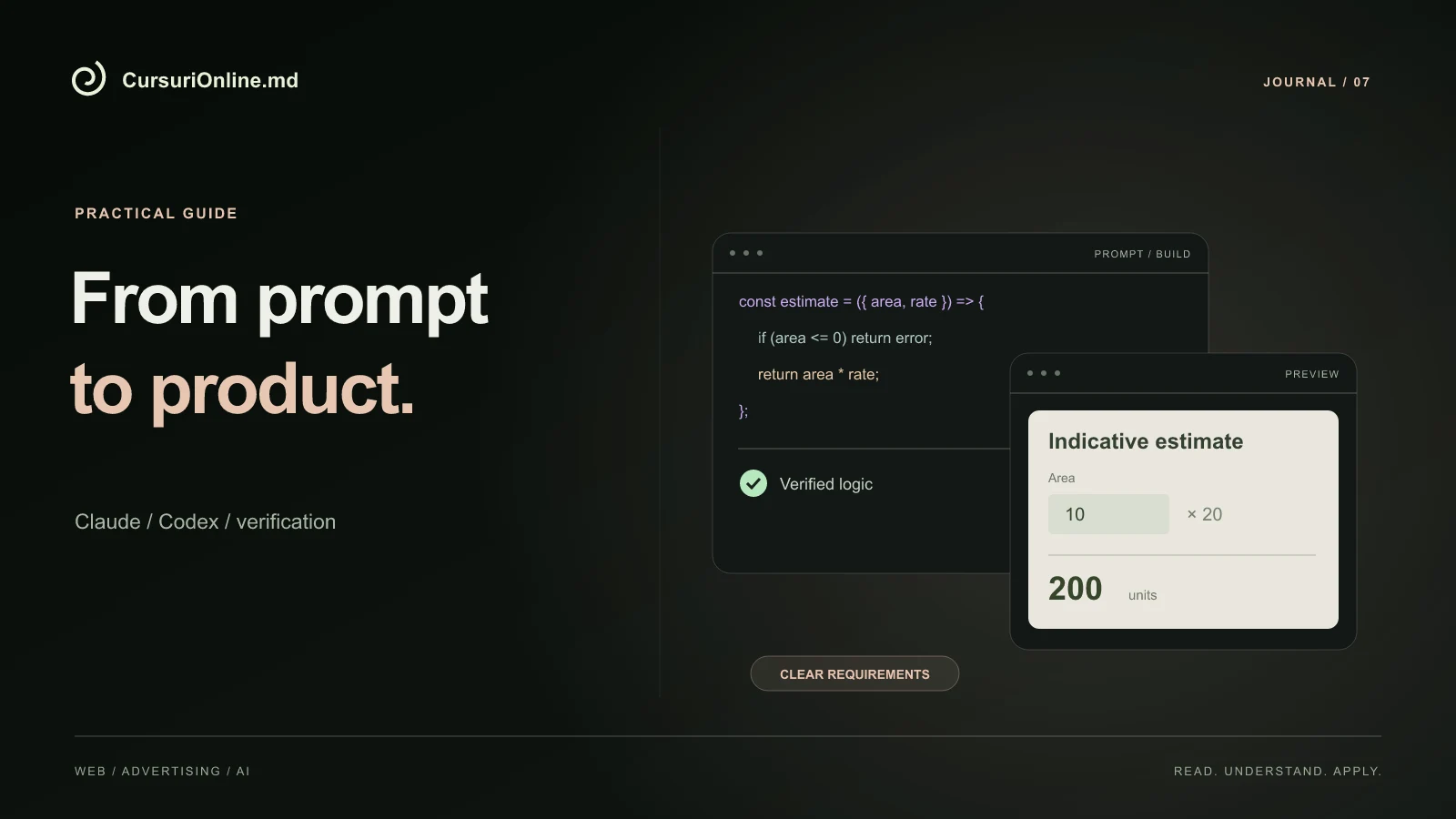
Add verifiable criteria. For an area of ten units and a demonstration rate of twenty monetary units, the result must be two hundred. A negative value should be rejected and an empty field should not be treated as a valid command. These examples make the difference between a vague requirement and a testable one.
This is a starting point, not a universal prompt. Complete it with the actual project rules. A longer requirement is not automatically better; relevant information and lack of contradictions matter more than volume.
It provides the necessary context without overwhelming the task
For an existing project, start by asking to identify the relevant page and components. A change in a computer should not trigger the rewriting of the entire website. It specifies the authorized area and shows an example of the style to be followed. Visual context and existing rules reduce unnecessary guesswork.
It documents startup commands, important structure, and decisions that don't need to be reinvented. If the project uses a button library or common price formatting function, the tool must be able to identify them. Duplicating them can cause differences between pages and increase maintenance work.
Don't send the entire archive of a business to explain a single function. Use demo data and remove unnecessary information. For our example, the formula and a few test cases are enough; the actual customer list does not help build the interface.
Work in steps that produce observable results
The first stage can be the visual structure, without integration with other services. The second can add the formula and validation. The third may include contacting you and posting a preview. Each step should leave a result that you can observe, not just a summary of the changed files.
Don't judge solely by the statement "I'm done." Ask to see what changed and how it was checked. The Claude Code documentation recommends providing criteria that the tool can test. For a beginner, this translates simply: it requires concrete examples of input and expected output.
When something doesn't work, describe the reproducible problem: what you typed, what you pressed, what was displayed, and what should have happened. "It doesn't work" leaves too many interpretations. Accurate observation makes correction faster and teaches you to separate calculation error from presentation error.
It checks both the logic and the experience in the browser
A successful build shows that the project has passed a certain set of technical checks. It does not prove that every interaction is correct for the user. Open the calculator, fill in the fields and compare the result with an independent calculation. Repeat for limit values and for invalid situations.
| Scenariu | What must be observed |
|---|---|
| Fields filled in correctly | The formula and the total correspond to the rules |
| Missing or negative value | Clear error, no misleading result |
| Narrow screen | Visible text and buttons with no overlaps |
| Use from the keyboard | Navigation order and visible focus |
Also look at the messages. If the result is indicative, the text should say so next to the value, not in a hard-to-find place. If the button opens WhatsApp, check the prepared number and message. A small product can be fully tested precisely because you intentionally limited the complexity of the first version.
Data and permissions are part of the product design
Decide from the start what data is needed. For a demo estimate, you may not need a name, phone or address. If you later add a request submission, each field must have a clear reason and destination. Collecting data "just in case" complicates the project without automatically increasing its value.
API keys and credentials should be treated as secrets, not embedded in code sent to the browser or in public captures. It separates the test environment from the public environment and gives tools only the access they need. A permission to read a file should not be automatically extended when publishing the entire project.
When you add an integration, also check if the external service is not responding. The interface must explain the error and preserve, where appropriate, the data already entered. A success message displayed without actual submission confirmation is a product issue, even if the page looks flawless.
Keep versions and publish in a controlled manner
Before major changes, keep a checked version. Working with a change history helps you understand what's changed and go back when an intervention causes a problem. It is not enough to save a catch; you also need the files that make up the product.
Publish to a preview address first and repeat the tests there. An app can run locally and have a different configuration after publishing. Check addresses, required variables, and connection to external services. Only then does it update the address that customers use.
After publication, keep a short list of checks performed and known limits. For example: the calculator estimates only one service, does not save requests and opens WhatsApp for confirmation. This document helps those who will continue the project and prevents the assumption that a demo function is already a complete bidding system.
Use AI to learn decisions, not just commands
Ask for the explanation of a change in plain language: why there is a validation, why a formula is calculated in a certain place, and what happens when data is missing. Then try to explain the same thing yourself. If you can only repeat the command but cannot describe the result, the skill is still fragile.
Keep a journal of decisions and examples. For each problem solved, note the symptom, the identified cause, and the final check. This log can become more valuable than a collection of prompts because it captures the context in which a solution was matched.
AI naturally relates to website design and implementation or online store processes. The principle remains the same: the product must solve a need and work in the important scenarios. Generation speed does not replace this responsibility.
Exercise: from brief to verified demonstration
Construct the calculator described, using a demonstration formula and fictitious data. First prepare five calculation examples and two error situations. Formulate the requirement, follow the implementation and compare the result with the prepared examples before seeing the code. Thus, the check does not simply repeat the guesses generated by the wizard.
At the end, he presents the product to a person who did not participate in the construction. It explains the purpose, shows a correct estimation, a well-handled error and the behavior on the phone. It documents what is implemented and what would require a separate stage. You thus have a small but completely explainable project.
The Claude & Codex AI course provides direction for this kind of practice, and one-on-one mentoring can start from your goal. The useful choice is not to blindly delegate everything to a tool, but to learn to formulate, test, and improve products that you understand.